Download Twitter (X) videos quickly with SavedVids
X (Twitter) is a popular social media platform known for short-form content, fast-paced news updates, and especially the viral videos shared every day. However, Twitter/X does not allow users to download videos directly to their devices, making it difficult to save content.
Understanding this need, SavedVids provides a tool that helps you download videos from Twitter/X easily and completely free of charge. Simply copy the link to the post containing the video, paste it into the search bar on the website, and the system will process it and return the download link in just a few seconds.
SavedVids supports downloading videos in various quality levels, ensuring clear visuals and full audio. The interface is designed to be simple and user-friendly, allowing users to operate quickly without any technical skills. Notably, the tool works seamlessly on both computers and mobile devices, providing the utmost convenience.
We are committed to not storing videos on our system, ensuring data security and user privacy. SavedVids serves solely as an intermediary to help you retrieve video links from public sources on Twitter/X.
If you’re looking for a fast, simple, and effective solution to download Twitter videos, this is definitely the right choice. Try it today so you don’t miss out on the exciting videos you love!
How to use on Desktop
step_1_title
Find the Tweet
Open X (Twitter) and find the tweet containing the video you want to download.

step_2_title
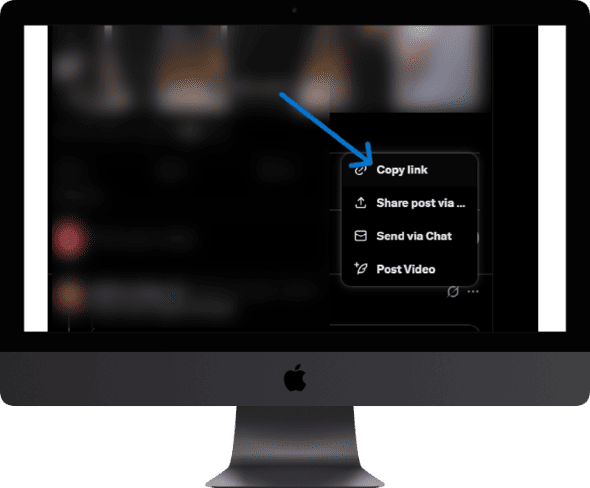
Copy Link
Click "Share" → "Copy link to post" to copy the tweet URL.
step_3_title
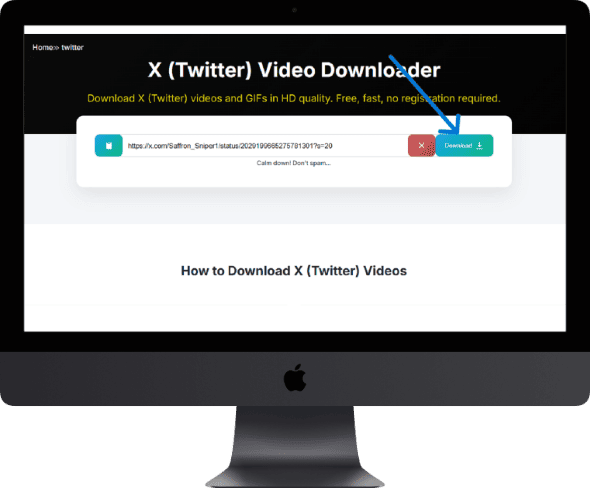
Paste & Get Link
Paste the URL in the box above and click the Download button.
step_4_title
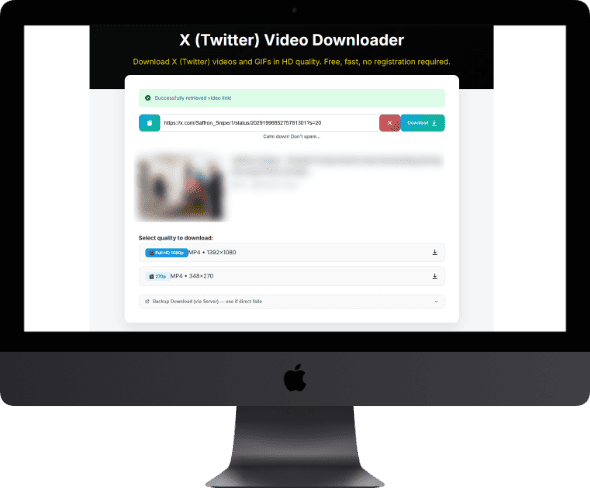
Choose Quality
Select your preferred resolution. Use Backup Download if direct fails.
How to use on Mobile
step_1_title
Find the Tweet
Open X (Twitter) and find the tweet containing the video you want to download.
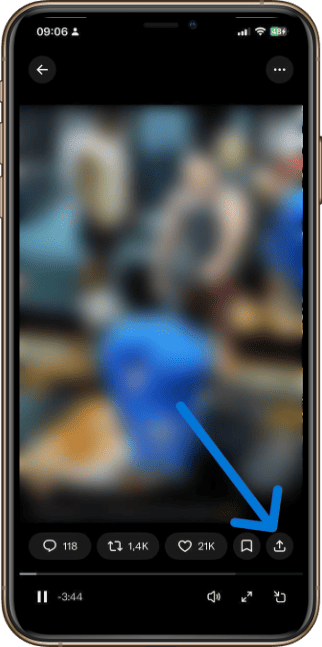
step_2_title
Copy Link
Click "Share" → "Copy link to post" to copy the tweet URL.
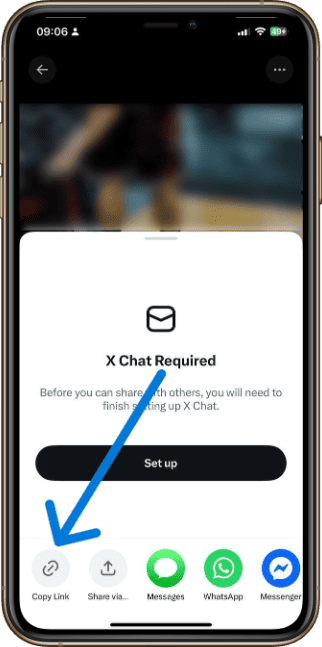
step_3_title
Paste & Get Link
Paste the URL in the box above and click the Download button.
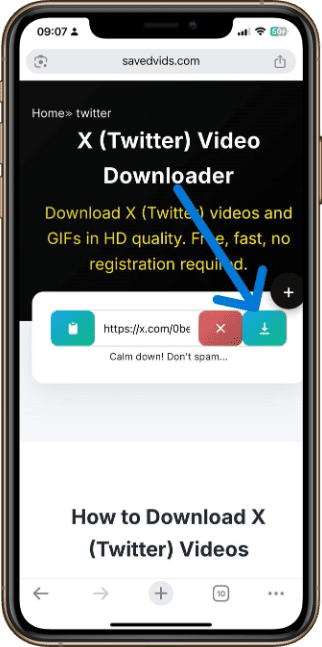
step_4_title
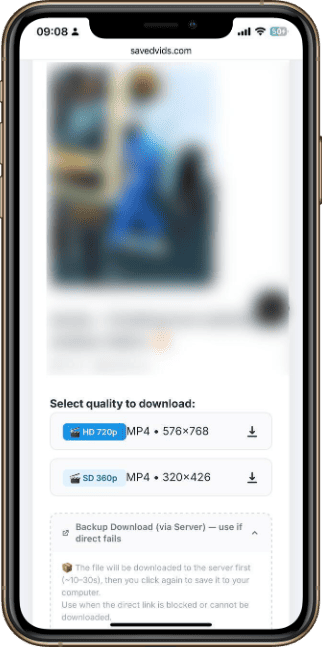
Choose Quality
Select your preferred resolution. Use Backup Download if direct fails.